
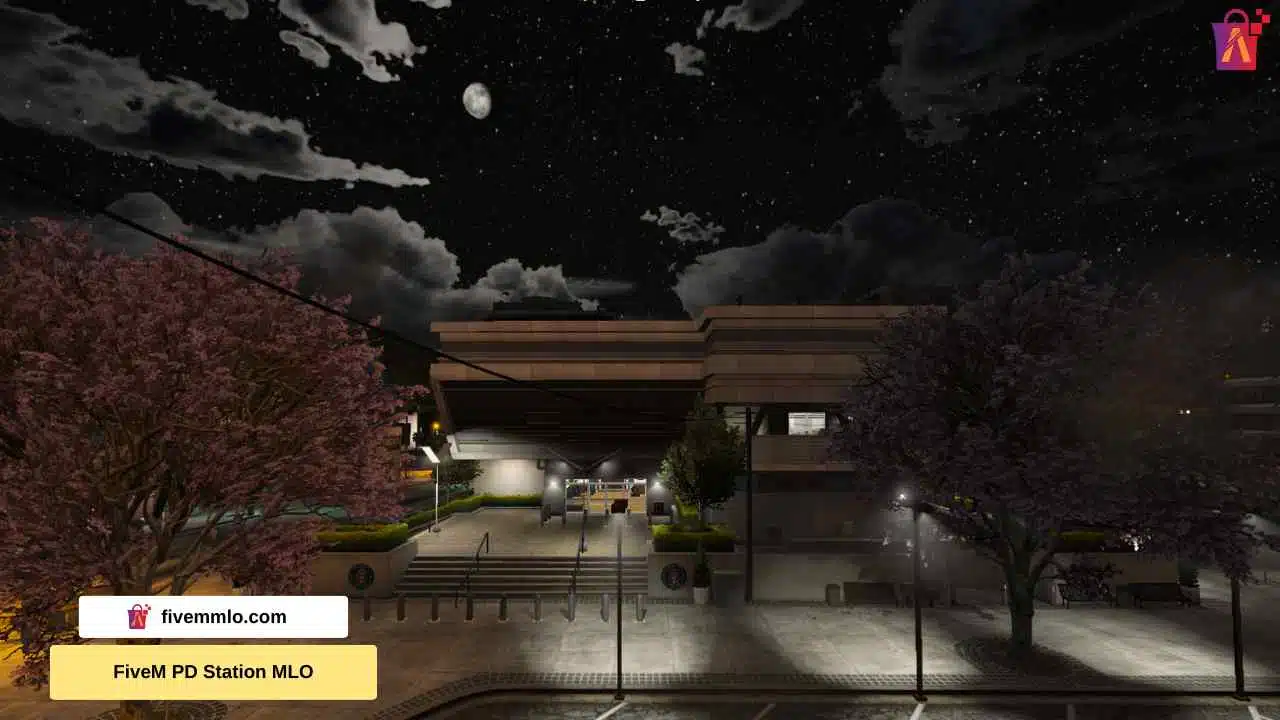
What Is an MLO in FiveM?
MLO stands for Map Loader Object — custom 3D interiors and buildings that replace or add to the default GTA V map in FiveM. Unlike simple props or map edits, MLOs create fully walkable interior spaces with collision, lighting, and textures that feel native to the game.
If you run a FiveM roleplay server, MLOs are essential for creating unique locations like custom police stations, hospitals, nightclubs, drug labs, car dealerships, and more. They give your server a distinct identity and keep players engaged.
How Do FiveM MLOs Work?
MLOs are loaded through FiveM resource scripts. Each MLO package typically contains:
- YDR/YDD files — 3D model data for the interior
- YBN files — Collision data so players can walk on surfaces
- YTD files — Texture dictionaries for materials and surfaces
- YMAP files — Placement data that positions the MLO in the game world
- YTYP files — Type definitions linking everything together
- fxmanifest.lua — The FiveM resource manifest
When a player enters the MLO area, FiveM streams the custom interior and renders it in real-time. This is why well-optimized MLOs are critical — poorly made ones can tank your server performance.
Free vs Premium MLOs: What Is the Difference?
Free MLOs are widely available on forums and GitHub, but they often come with issues:
- Poor optimization causing FPS drops
- Missing or broken collision
- Low-quality textures
- No updates or support
- Potential copyright issues
Premium MLOs from stores like FiveM MLO Store are built by professional 3D artists and include:
- Optimized draw calls and texture sizes
- Complete collision coverage
- High-quality PBR textures
- Regular updates and bug fixes
- Open source files for customization
- Instant download access
How to Install an MLO on Your FiveM Server
Installing an MLO is straightforward:
- Download the MLO package and extract it
- Place the folder in your server resources directory
- Add
ensure [mlo-folder-name]to your server.cfg - Restart your server or use the refresh/start commands
Most MLOs work with all popular frameworks including QBCore, ESX, and vRP without any additional configuration.
Top MLO Categories for RP Servers
The most popular MLO categories for roleplay servers include:
- Business MLOs — offices, shops, restaurants, dealerships
- Emergency Services — police stations, hospitals, fire departments
- Housing — apartments, mansions, houses
- Entertainment — clubs, bars, casinos, arcades
- Criminal — drug labs, bunkers, stash houses
- Government — city halls, courthouses, DMV offices
A well-rounded server typically needs 20-50 MLOs to cover all the key locations players expect in a roleplay environment.
Getting Started
Ready to upgrade your FiveM server? Browse our collection of 1400+ premium FiveM MLOs with instant download, free updates, and open source files included with every purchase.

